
Back-to-school shopping can get expensive quickly, especially when school supplies now include more than notebooks.
From laptops and tablets to headphones and portable chargers, technology has become an important part of learning for many students.
But does your child really need the most expensive device?
Absolutely not.
As moms, we want to give our children the tools they need to learn, complete assignments and make the most of their school experience without spending money on gadgets they may barely use.
That’s why this guide focuses on affordable, practical electronics for school and what to consider before buying them.
Whether your child is in elementary school, high school, or preparing for college, these tips can help you make smarter back-to-school technology purchases.
«Affiliate Disclosure: This post contains affiliate links. If you buy through these links, I may earn a small commission at no extra cost to you.»
What Electronics Does a Student Actually Need?
Before adding gadgets to your shopping list, check what your child’s school actually requires.
Some students may only need headphones and a basic tablet, while others may need a laptop for research, assignments, online learning, or specialized schoolwork.
A good starting point is:
- Your child’s age and grade level
- The school’s technology requirements
- The type of assignments they receive
- Whether they need to attend online classes
- How much storage they need
- Battery life
- Durability
- Parental controls and safety features
- Your family’s budget
Tip: Don’t buy a device simply because it’s popular. Buy according to your child’s actual school needs.
1. Budget-Friendly Laptops for Schoolwork
A laptop can be one of the most useful electronics for older students.
It can be used for homework, research, presentations, online classes, writing assignments, and school projects.
For younger students, a Chromebook or basic laptop may be enough.
Older students may need something with more processing power depending on their courses.
What to look for in a school laptop:
- Reliable battery life
- Enough storage for school files
- Comfortable keyboard
- Lightweight design
- Good Wi-Fi connectivity
- A screen that’s comfortable for extended schoolwork
- An operating system compatible with the school’s required software
Some affordable laptop lines worth considering include:
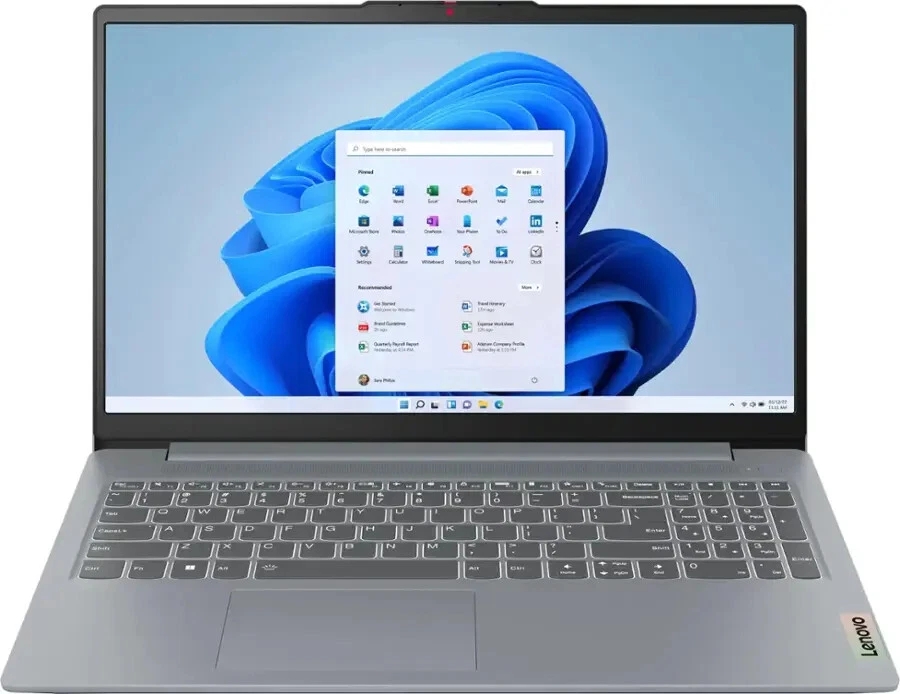
A practical option for everyday schoolwork.
💻 Lightweight, fast, and perfect for middle to high schoolers.
✅ Long battery life, decent storage, and runs smoothly for everyday school tasks.
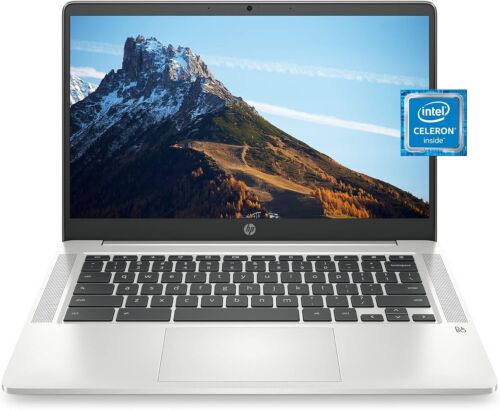
Useful for students whose schoolwork relies heavily on web-based tools and Google services.
💻 Great for elementary or middle schoolers using Google Classroom.
✅ Fast boot-up time, cloud storage, and very user-friendly.
Before purchasing, check your child’s school requirements to make sure the laptop is compatible with the programs they use.

2. Tablets for Learning
Tablets are perfect for younger kids or for supplementing learning with educational apps.
A tablet can be a useful option for younger students, reading, educational apps, digital textbooks, research, and light schoolwork.
They are also convenient because they are usually smaller and easier for children to carry than a full-sized laptop.
What to look for in a school tablet:
- Good battery life
- Enough storage
- A durable case
- Parental controls
- A screen size suitable for reading
- Access to the educational apps your child needs
The Samsung Galaxy Tab A series, for example, can be worth considering for families looking for a more affordable tablet option.
For younger children, prioritize durability and parental controls over unnecessary premium features.
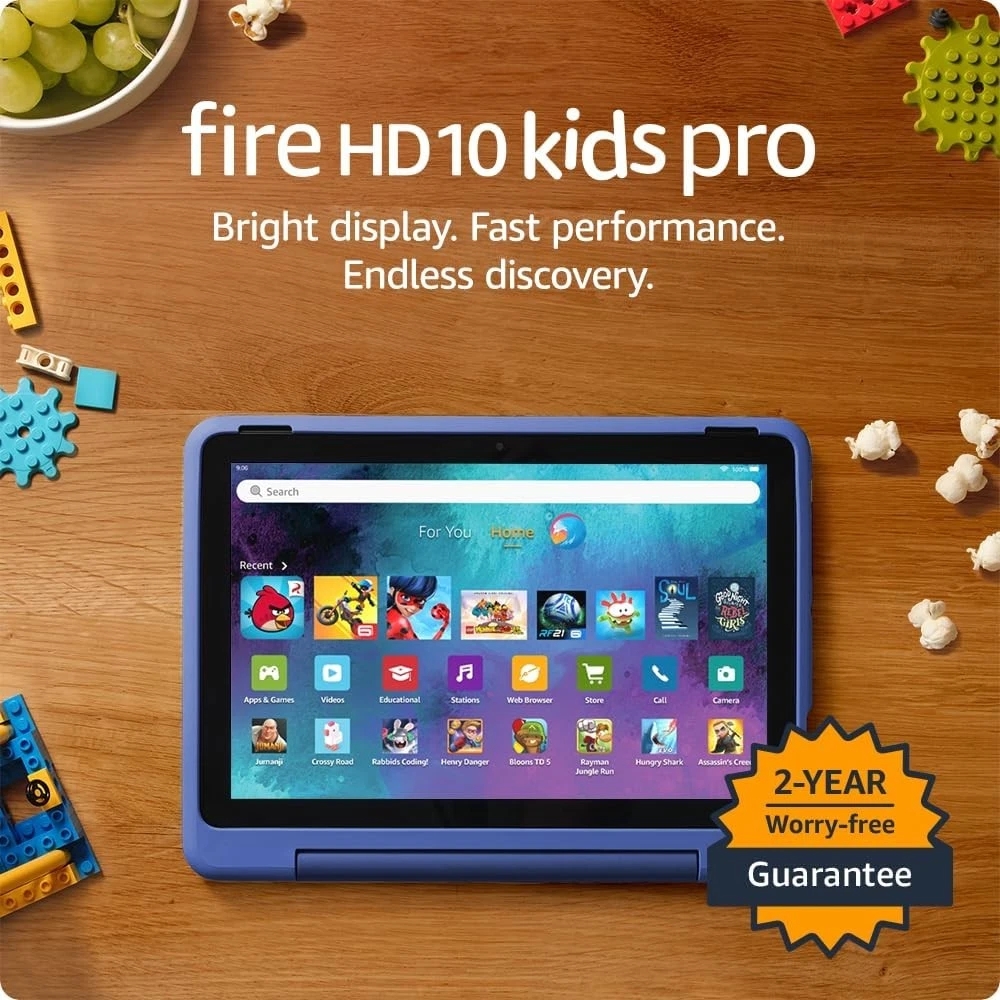
📱 Kid-proof case, parental controls, and access to tons of learning apps.
✅ Comes with a 1-year subscription to Amazon Kids+.
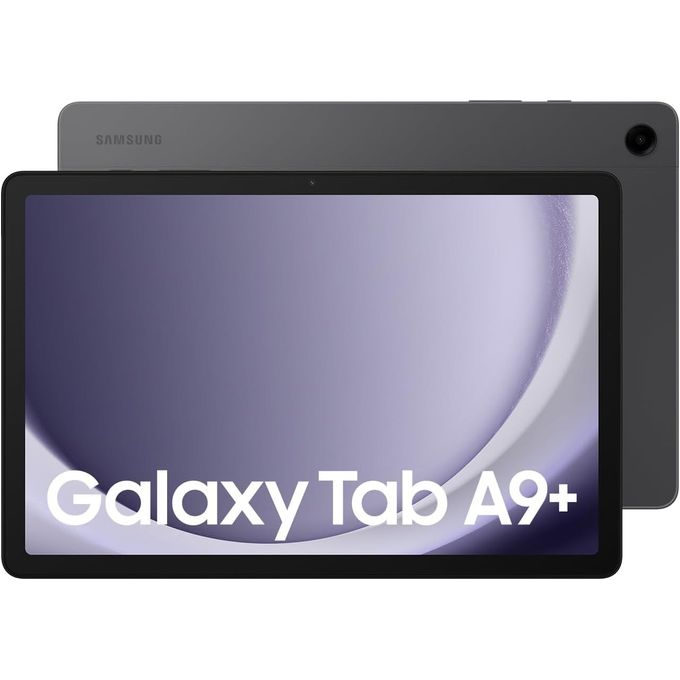
📱 Affordable and great for reading, light schoolwork, and educational games.
✅ Durable and offers multi-user options for siblings.
3. Affordable Headphones for School

Headphones are one of those school electronics that can be surprisingly useful.
Children may use them for online lessons, educational videos, language learning, computer activities, or quiet study.
For younger children especially, look for headphones with volume-limiting features.
Some options worth looking at include:
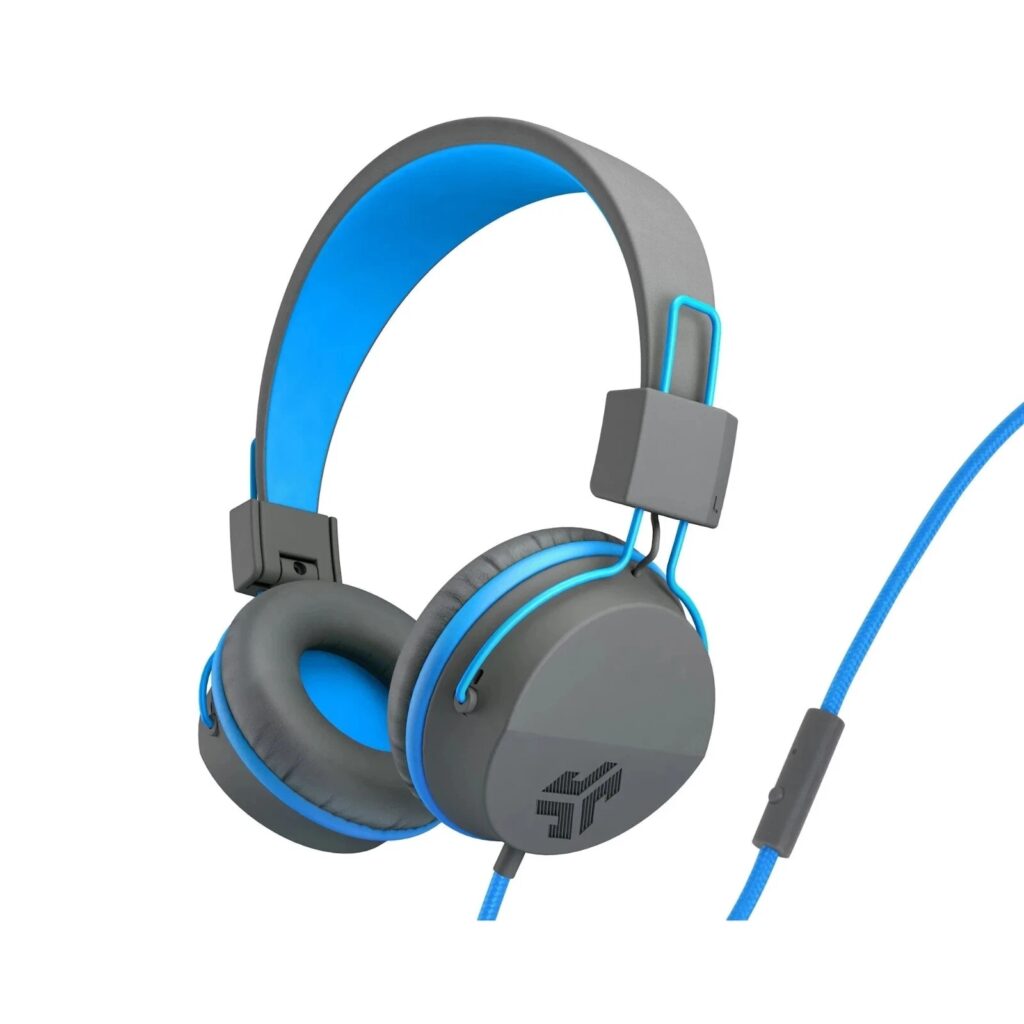
Designed with children in mind and available with volume-limiting features.
🎧 Volume-limiting for hearing safety.
✅ Comfortable for long use and comes in fun colors.
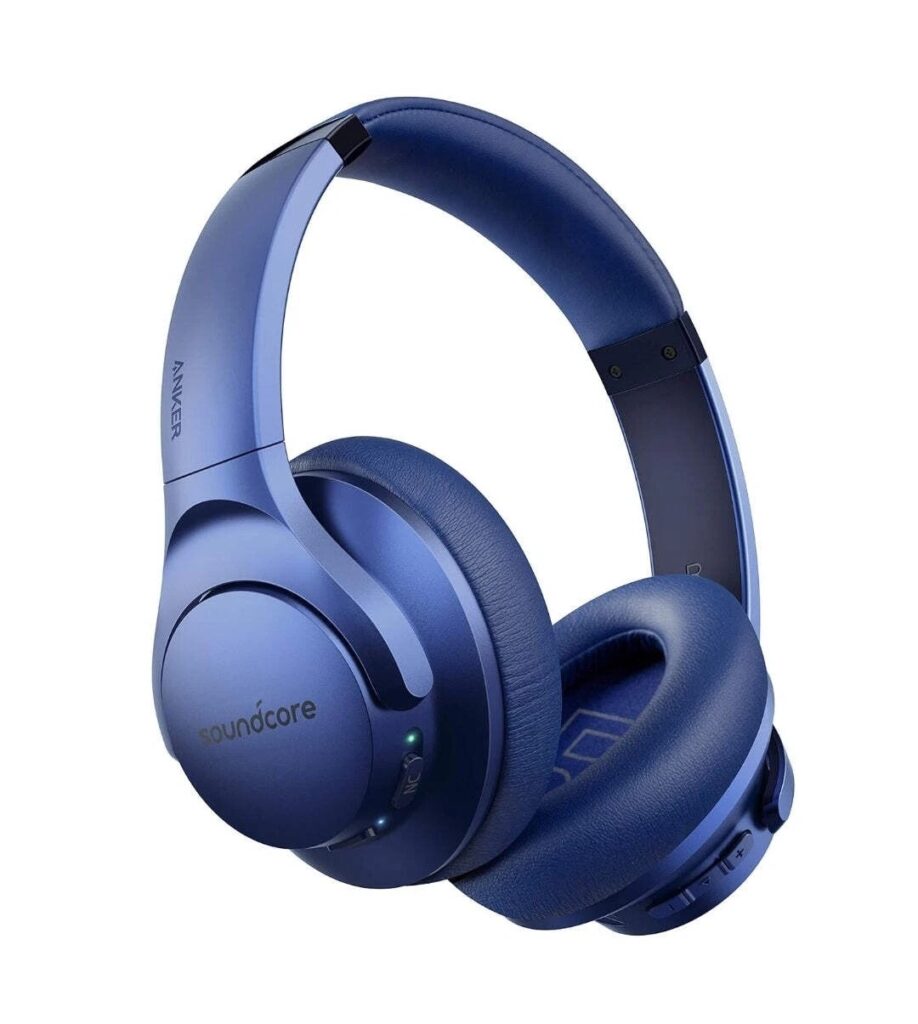
A range of options for older students who need headphones for studying, online classes, or everyday listening.
🎧 Great for high school and college students.
✅ Noise-canceling and Bluetooth-enabled.
What to look for:
- Comfortable ear cushions
- Appropriate volume controls
- Durable construction
- Wired or wireless connectivity depending on school requirements
- A comfortable fit for your child’s age
You don’t necessarily need expensive noise-cancelling headphones for a young student.
Focus on comfort, safety, and functionality.
4. Smartwatches and Fitness Trackers
A smartwatch isn’t a school essential for every child, so this is one area where it’s worth asking whether your child actually needs one.
A simple smartwatch or fitness tracker can be useful for reminders, activity tracking, or staying organized.
For younger children, features such as parental controls and durability may be more important than advanced smartwatch features.
Older students need a basic smartwatch can help with reminders, alarms, calendars, and notifications.
Before buying one, consider:
- Whether the school allows smartwatches
- Whether your child actually needs the features
- Battery life
- Durability
- Privacy settings
- Whether notifications could become distracting
If your child’s school doesn’t allow smartwatches during lessons, this may be something you can skip altogether.
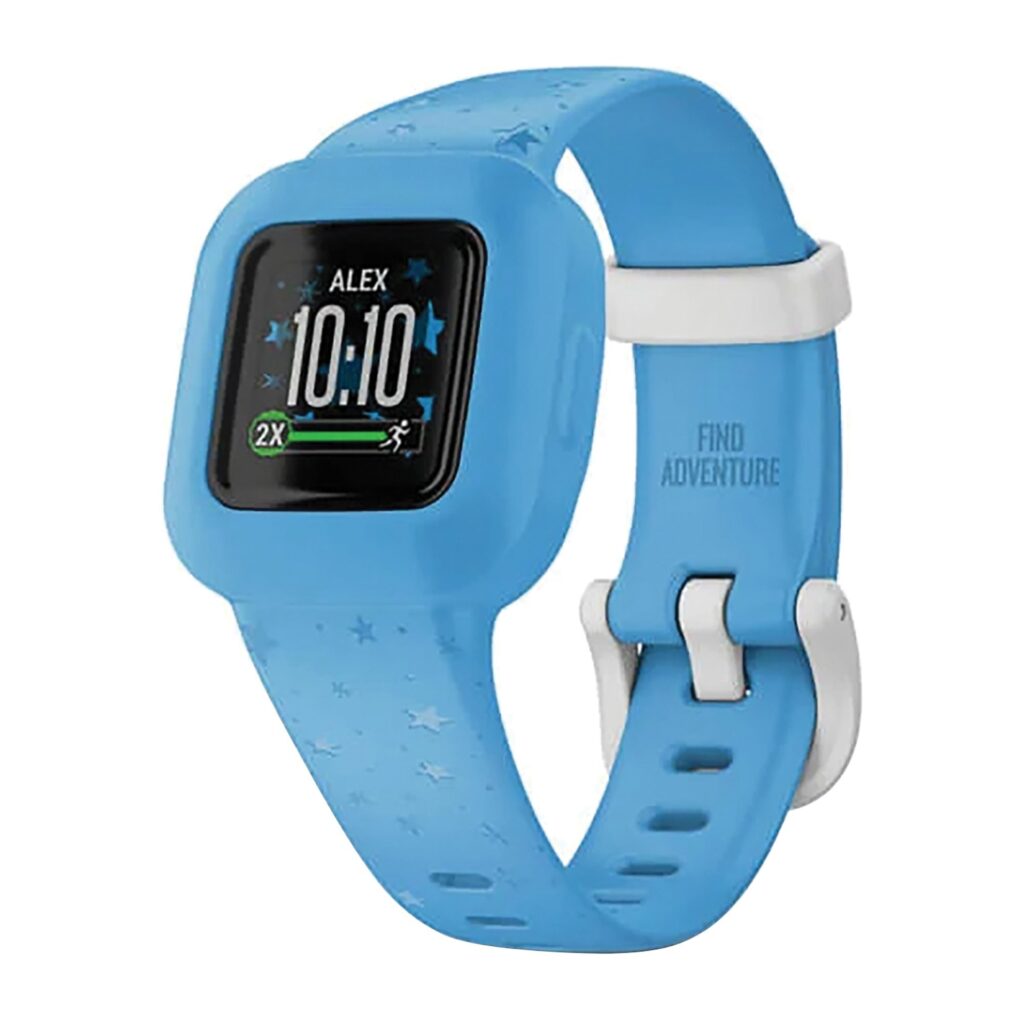
⌚ Encourages movement with fun rewards and reminders.
✅ Swim-proof, long battery life, and durable for younger kids.
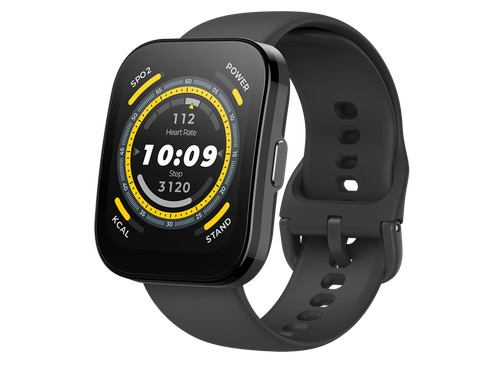
⌚ Lightweight smartwatch with fitness tracking and notifications.
✅ Great for teens managing schedules and health habits.
5. Portable Tech Accessories Moms Shouldn’t Forget
Sometimes the smaller accessories are just as useful as the main device.
A. Portable Power Bank
A portable charger can be useful for older students who spend long hours away from home.
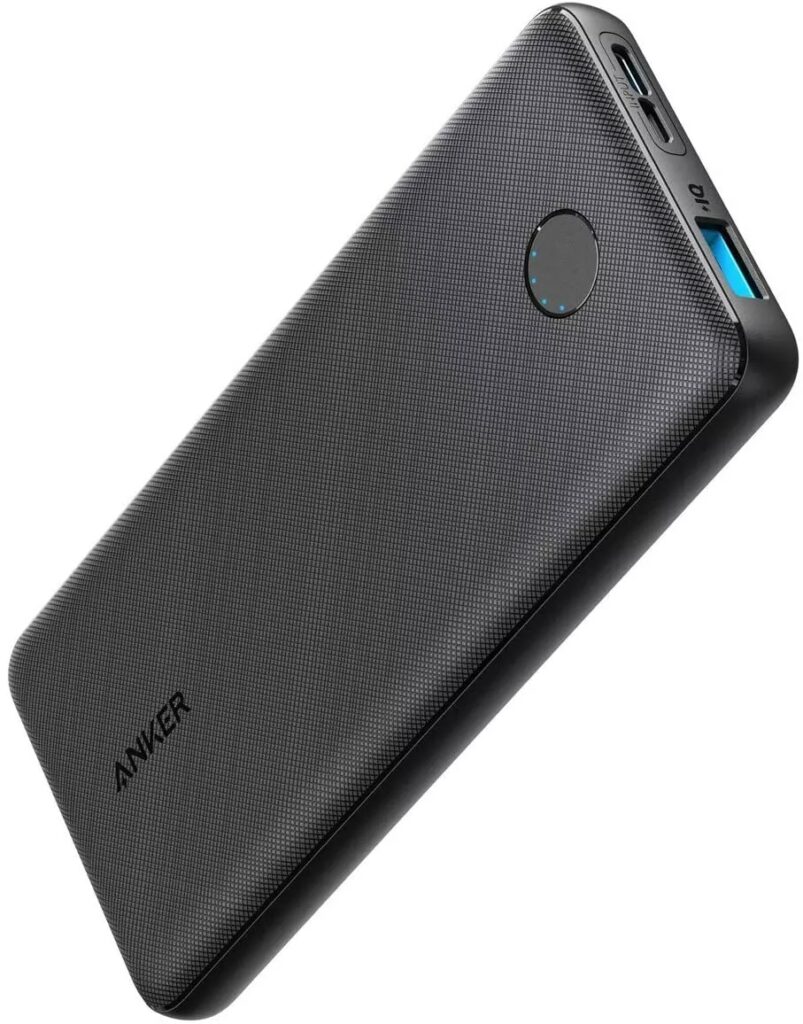
🔋 Keeps devices charged during long school days.
✅ Lightweight and powerful.
B. Bluetooth Keyboard
A compact keyboard can make typing assignments on a tablet much easier.
The Logitech K380 is one example of a compact keyboard that can be paired with compatible devices.
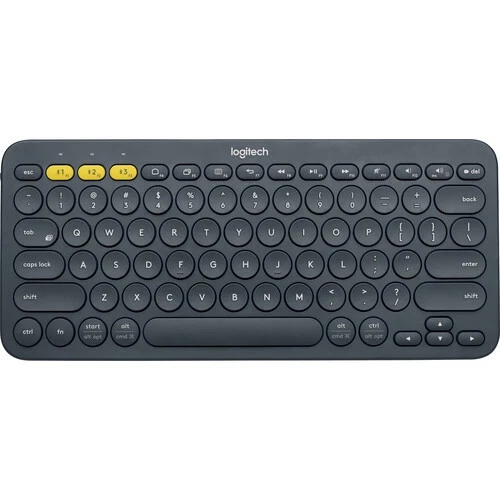
⌨️ Turns any tablet into a mini laptop.
✅ Compact and great for typing homework on the go.
C. USB Flash Drive
A USB drive can still be useful for transferring or backing up school files, although many students now rely heavily on cloud storage.
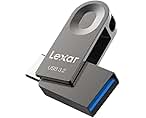
💾 Still essential for school projects and saving files.
✅ Look for keychain models so kids don’t lose them!
D. Device Case
Don’t forget protection.
A durable case can help protect a tablet or laptop from the everyday bumps and drops that come with school life.
What Electronics Does Your Child Need by Age?
Not every student needs the same technology.
Elementary School
You may only need:
- A tablet or school-approved device
- Child-friendly headphones
- Educational apps
- A protective case
Always check the school’s requirements first.
Middle School
Students may benefit from:
- A basic laptop or Chromebook
- Headphones
- A tablet, depending on schoolwork
- USB storage or cloud storage
- A protective laptop or tablet case
High School
Older students may need:
- A more capable laptop
- Headphones
- External storage
- A mouse or keyboard
- A portable charger
- Other technology required for spec
College Students
College technology needs can vary significantly by course.
Students studying subjects such as graphic design, engineering, computer science, or media may need more powerful devices than students whose coursework is primarily reading and writing.
Always check the department or school requirements before making a major purchase.
Having the right school technology is helpful, but so is having a predictable routine. Here’s our back-to-school morning routine for moms with school-aged kids.

Tips for Moms Shopping on a Budget:
- Look for Back-to-School Sales – August to early September is the best time to snag deals.
- Buy Refurbished or Open-Box – Check reputable sellers like Amazon Renewed, Best Buy, or Walmart.
- Set a Tech Budget – Prioritize essentials based on your child’s grade level and school needs.
- Check with the School – Some schools recommend or even provide specific devices.
A Simple Back-to-School Tech Shopping Checklist
Before you check out, ask:
- Does my child’s school require this device?
- Is it compatible with the school’s software?
- Does my child actually need it?
- Is the battery life good enough?
- Is there enough storage?
- Is it durable enough for everyday school use?
- Does it come with a warranty or return option?
- Have I compared prices from different sellers?
- Have I budgeted for accessories?
- Would a less expensive option do the same job?
This simple checklist can help you avoid impulse purchases and keep your back-to-school budget under control.
From school technology to everyday preparation, these healthy school lunch ideas kids actually eat can help you get another part of the school routine organized.
The electronics a child needs depend on their age, grade level, and school requirements. Common options include a laptop or Chromebook, tablet, headphones, calculator, and other accessories. Always check the school’s requirements before buying anything.
The best affordable laptop depends on what the student needs to do. For basic schoolwork, web browsing, writing assignments, and online learning, a budget-friendly Chromebook or entry-level laptop may be enough. Older students with more demanding coursework may need a more powerful laptop.
A tablet can be suitable for younger students, reading, educational apps, research, and some school assignments. However, students who do a lot of typing or need specialized software may be better served by a laptop.
Consider what your child’s school requires and how they will use the device. A tablet is portable and convenient for reading and basic activities, while a laptop is generally more practical for typing, research, presentations, and longer assignments.
No. Students don’t necessarily need the newest or most expensive devices. A reliable, affordable device that meets the school’s requirements can be a better choice than a premium model with features your child won’t use.
Yes. Refurbished electronics can be a way to save money, provided you purchase from a reputable seller. Check the device’s condition, battery health, warranty, return policy, and compatibility with the software your child needs.
Before buying, consider the school’s requirements, your child’s age, battery life, storage, durability, compatibility, warranty, accessories, and your overall budget. It’s also worth checking whether your child actually needs the device before spending money on it.
Useful accessories may include a protective case, headphones, mouse, keyboard, USB drive, and portable charger. However, not every student needs all of these, so prioritize accessories based on your child’s actual schoolwork and daily routine.
Final Thoughts:
Back-to-school electronics don’t have to drain your family’s budget.
The goal isn’t to buy the newest or most expensive technology. It’s to find reliable, practical electronics that match your child’s age, school requirements, and learning needs.
Start by checking what the school actually requires, set a realistic budget, compare your options, and prioritize the essentials.
A basic laptop that works reliably can be more valuable than an expensive device filled with features your child will never use.
And remember: smart back-to-school shopping isn’t about buying more. It’s about buying what your child actually needs.
Save this guide for your next back-to-school shopping trip, and share it with another mom who is trying to prepare for the new school year without overspending.
With Love & Threads,
Vee 💕
You May also Like:
Healthy and Quick School Lunch Ideas Kids Actually Love
Top 10 Dorm Room Decor Ideas For Moms | Back – to – School Edition
DIY Homework Station Ideas: Budget-Friendly & Space-Saving Tips for Moms



Pingback: Top 10 Dorm Room Decor ideas for Moms | Back-to-School Edition.
Pingback: Healthy and Quick School Lunch Ideas Kids Actually Eat
Pingback: DIY budget friendly home work station ideas for small spaces
Pingback: 10 stylish school uniform fashion hacks for kids